
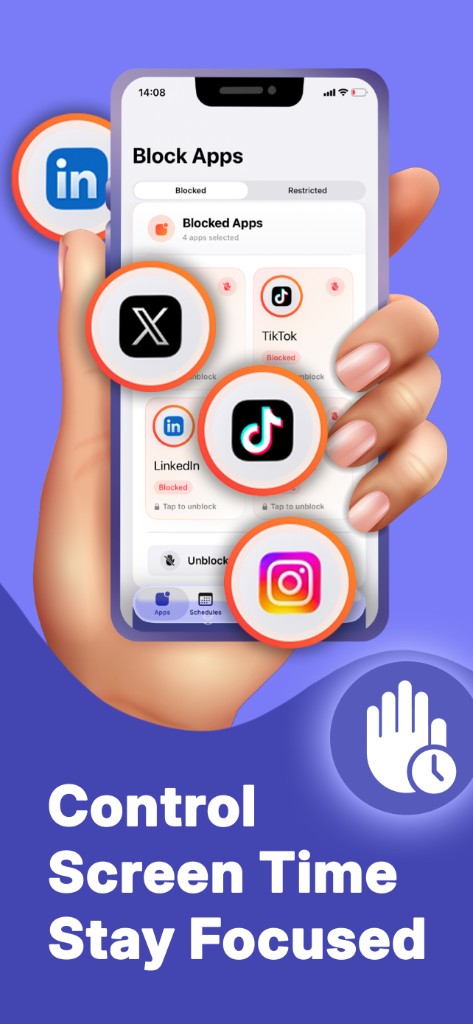
App block & lock
Block Instagram, TikTok, games, and more through iOS Screen Time. Restrictions apply at the system level for reliable focus.
Productivity · iPhone & iPad
App blocker, focus timer, and Screen Time schedules
Screen Time Control blocks distracting apps on iPhone and iPad using Apple Screen Time APIs. Run Pomodoro focus sessions, automate study and sleep schedules, and track digital wellbeing stats.

Free with optional in-app purchases. Requires iOS 17+.
Screen Time Control: Block App is a focus and app blocker built on Apple’s official Screen Time and Family Controls APIs, not VPN tricks. Choose social, games, or entire categories in the system picker, then lock them during work, homework, or wind-down.
Start timed focus sessions with live countdowns, or set recurring schedules such as work hours, study blocks, and sleep time. Statistics show minutes in focus, session completion, streaks, and which apps you limit most. Templates including Deep Work, Pomodoro, and Study Time speed up setup. Free plan includes limited blocks and one active session so you can test the habit; Premium unlocks unlimited apps, sessions, schedules, and custom timer lengths. Designed for students, remote workers, and anyone reducing doomscrolling on iOS.
Walk through key screens on iPhone & iPad. Each view shows how Screen Time Control: Block App fits into everyday use.
Block Instagram, TikTok, games, and more through iOS Screen Time. Restrictions apply at the system level for reliable focus.
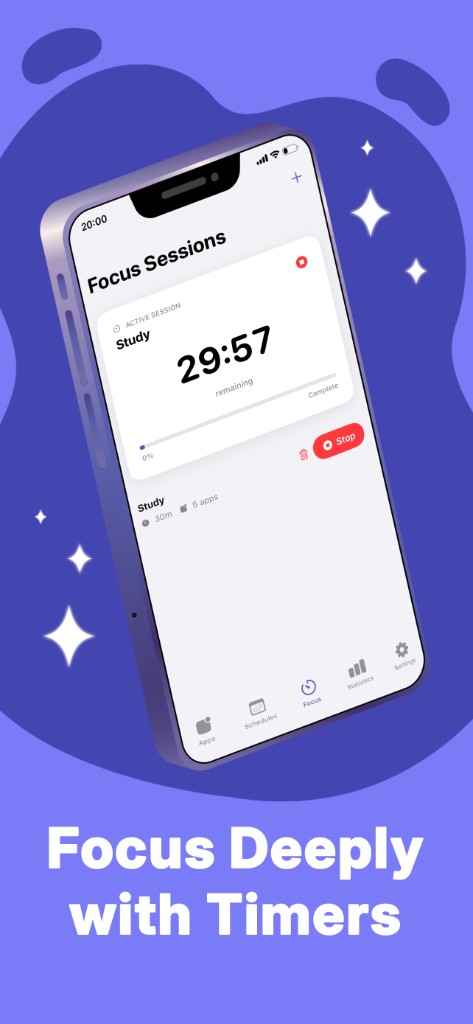
Run Pomodoro-style or custom focus timers with a visible countdown while selected apps stay locked.
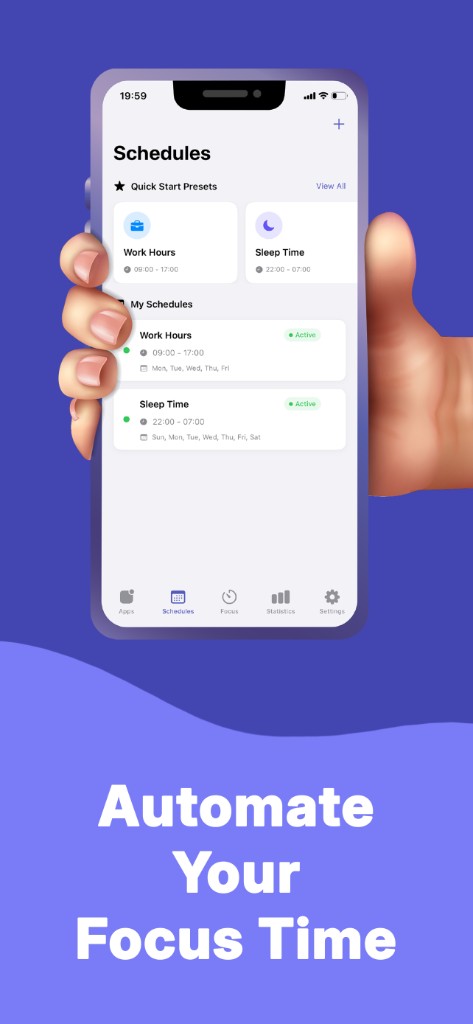
Automate app limits by weekday and hour. Use presets for office hours, school nights, or phone-free sleep.
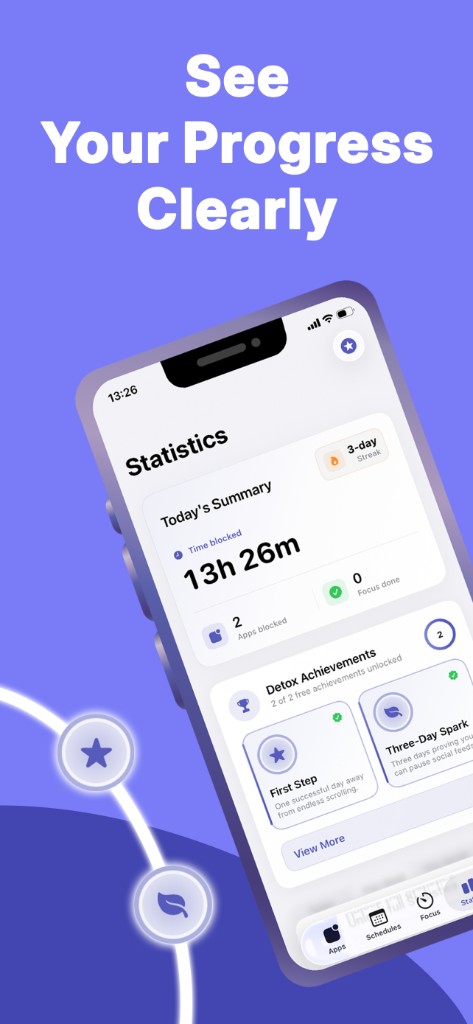
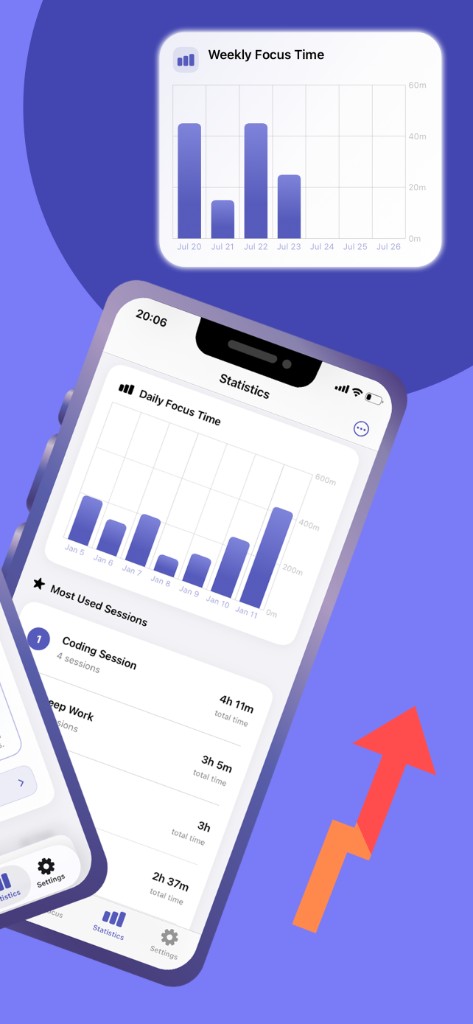
Digital wellbeing dashboard with focus minutes, completion rate, detox streaks, and your most-blocked apps.
Jump in with Deep Work, Pomodoro, or Study templates. Notifications when a schedule or focus session starts or ends.
Remove free-tier caps on blocked apps, concurrent focus sessions, schedules, and timer length for heavy study or WFH routines.
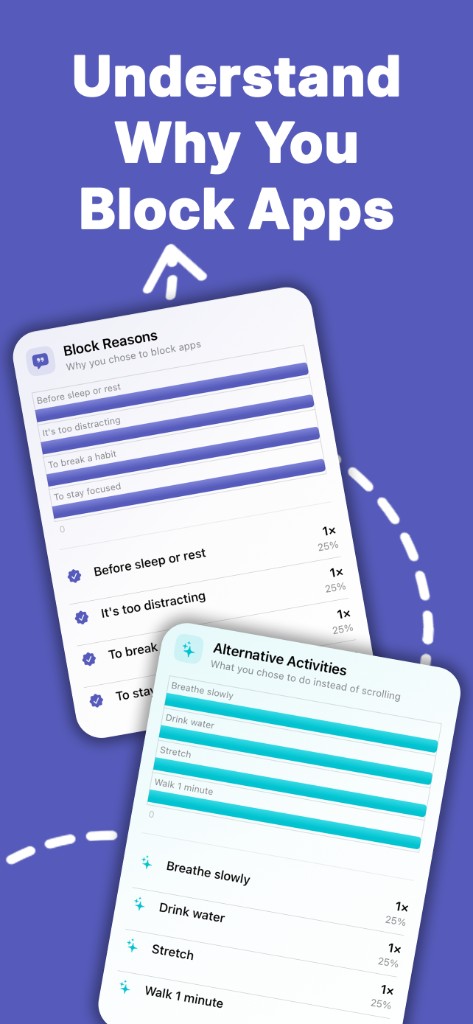
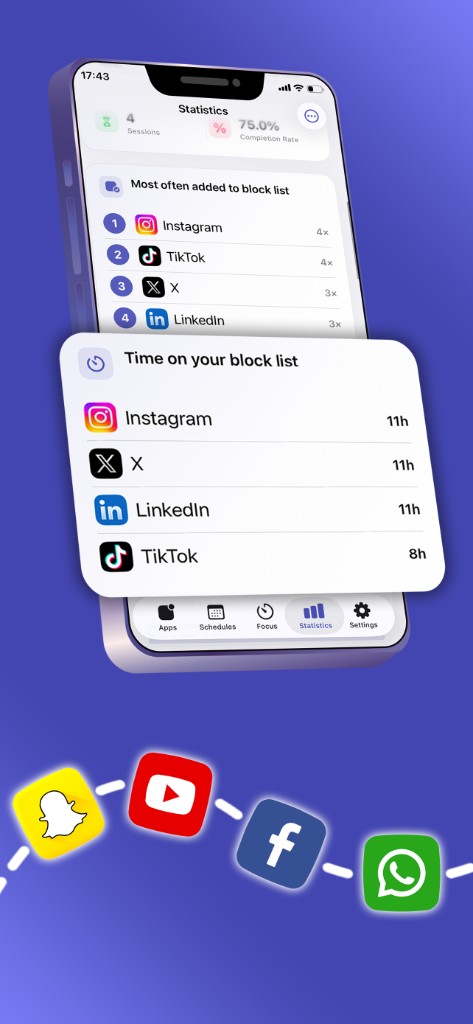
See which blocked apps still pull your attention and how much time they would have consumed. Use the list to tighten focus rules over time.
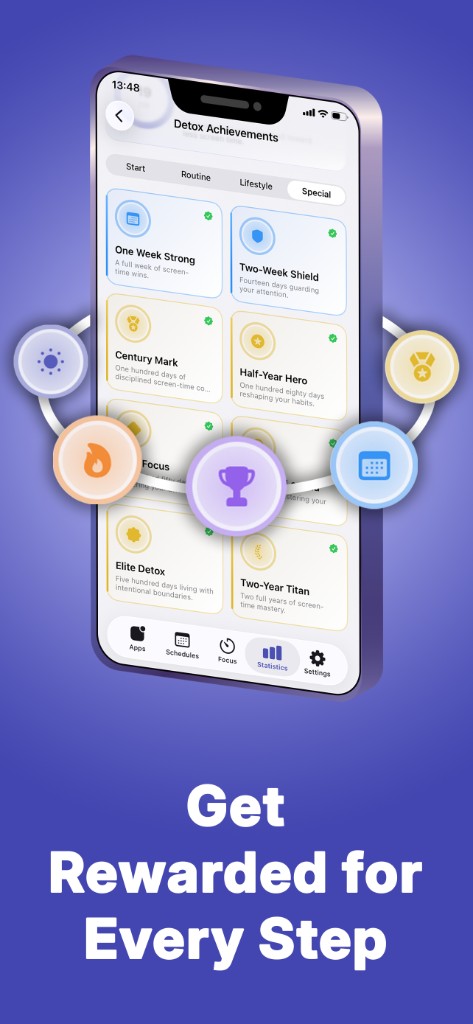
Celebrate streaks and long-term screen time goals with milestones that reward consistent focus habits, not perfection every day.
The app uses Apple’s Family Controls and Screen Time APIs. You choose apps in the system picker; restrictions are enforced by iOS, not by a VPN or workaround.
Yes, with limits: one blocked app, one active focus session, one schedule, and 30-minute focus timers on the free plan. Premium removes those limits. You can also remove ads with a separate in-app purchase.
Yes. The app supports iPhone and iPad with iOS 17 or later.
The App Store privacy label states that data is not collected. See the privacy policy for details.